Table of Contents
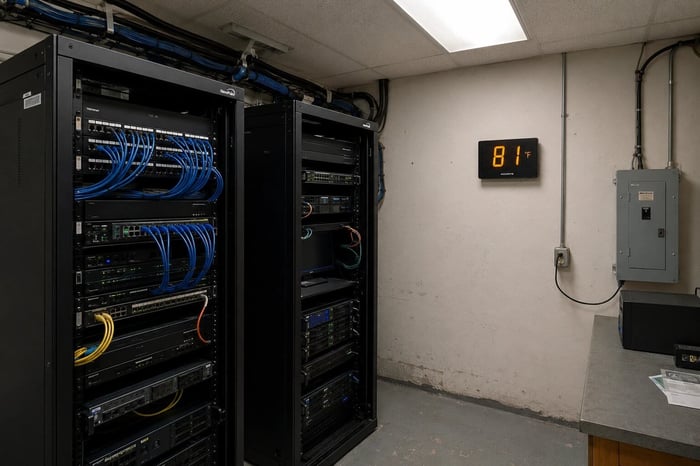
If you manage a server room, you have probably seen the ASHRAE temperature ranges posted in a dozen different articles. The numbers are easy to find. What those articles rarely cover is what actually happens to your hardware and your budget when conditions drift outside those ranges for an hour, a day, or a full weekend. The ideal server room temperature matters less as a number on a chart and more as the line between equipment that lasts and equipment that fails early.
ASHRAE recommends keeping server inlet temperatures between 64.4 and 80.6 degrees Fahrenheit for all A-class equipment. Operating within that range gives IT teams the best balance of hardware longevity and energy cost. Drifting above it, even by a few degrees for a sustained period, triggers a failure cascade that starts with throttled performance and ends with shortened hardware life, thermal shutdowns, and potential data loss.
What ASHRAE Actually Recommends for Server Room Temperature
The recommended inlet temperature range for all A-class server equipment is 64.4 to 80.6 degrees Fahrenheit (18 to 27 degrees Celsius). That range applies whether you are running enterprise servers (A1 class) or volume servers (A2 class). Most facilities target somewhere between 68 and 77 degrees as a practical operating point.
The allowable ranges extend wider. A1 equipment can operate from 59 to 89.6 degrees Fahrenheit. A2 stretches up to 95 degrees. Those allowable ranges mean the hardware will function at those temperatures, but “function” and “perform reliably for years” are two different things. Running at the upper end of the allowable range puts you in warranty territory, not reliability territory.
Humidity matters here too. ASHRAE sets the target between a dew point of minus 9 and 15 degrees Celsius, with a maximum of 60 percent relative humidity. Drop below 40 percent RH and you increase the risk of electrostatic discharge. Climb above 60 percent and condensation starts threatening circuit boards.
The Failure Cascade: What Happens Degree by Degree
This is where most server room temperature guides stop. They give you the ASHRAE chart and move on. Thermal problems build in a sequence, and understanding that sequence is the difference between catching a problem early and replacing a rack of hardware.
The first thing that happens when inlet temperatures push past 80 degrees Fahrenheit is fan speed increases. Servers detect rising temps and spin their fans harder to compensate. That draws more power, generates more noise, and increases the thermal load the room’s cooling system has to handle. You see, the server’s own cooling response can actually make the room warmer, creating a feedback loop.
Once inlet temperatures reach the mid-80s, server firmware starts throttling CPU performance. Clock speeds drop, processing slows, and applications start lagging. Users notice. Tickets get filed. But the servers are still running, so the problem can go unnoticed at the infrastructure level if nobody is watching temperature.
Above 95 degrees, most A1-class equipment is outside its allowable envelope entirely. Thermal shutdowns become likely. Servers power themselves off to prevent permanent damage to processors and memory, and if multiple servers go down in sequence, you are looking at cascading service failures.
The longer-term damage is quieter but just as costly. Research from the University of Virginia found that hard drive failure rates roughly double for every 12 degrees Celsius of sustained increase above 40 degrees Celsius. A separate study found that a 5 degree Celsius rise can reduce hard drive lifespan by up to two years. That degradation happens whether or not the drive ever fully fails during the thermal event.
What a Thermal Event Actually Costs
The Ponemon Institute has put the average cost of an unplanned data center outage at over $740,000 per incident. Small server rooms will not hit that figure, but the math adds up fast at a smaller scale.
A single server replacement runs $3,000 to $10,000 depending on the configuration. Individual component costs add up fast too: around $900 for a CPU, $350 for RAM, and $250 per storage drive. The cost of downtime, emergency vendor calls, and overtime labor during a weekend recovery can easily double the hardware bill.
Interestingly enough, the costs that get overlooked accumulate between thermal events. Servers running consistently above the recommended range pull more power because their fans run at higher RPM. They degrade faster too, shortening useful life from five years to three or four. That means earlier refresh cycles and higher total cost of ownership, even without a dramatic outage.
Why Most Monitoring Setups Miss the Worst Moments
Here is the part competing articles skip. Cooling failures most likely to cause damage happen during power events, not during normal operations. A circuit breaker trips, a CRAC unit loses power, or a utility outage takes out both the HVAC and the UPS. In those moments, the network infrastructure may go down at the same time as the cooling.
If your temperature sensors report over the same network that just lost power, you get no alert at the exact moment you need one most. The Uptime Institute’s 2025 Annual Outage Analysis found that cooling-related failures account for roughly one in eight impactful outages each year. A sensor that goes dark during a power event is not monitoring anything.
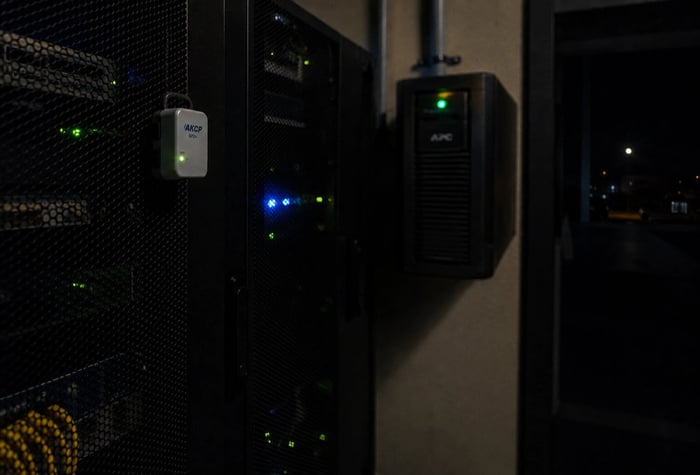
Out-of-band monitoring, using a cellular connection independent of the building network, covers this gap directly. A sensor reporting over 4G keeps sending alerts whether the local switches are up or not, as long as it has its own backup battery and a cell signal.
Keeping the Ideal Server Room Temperature Under Watch
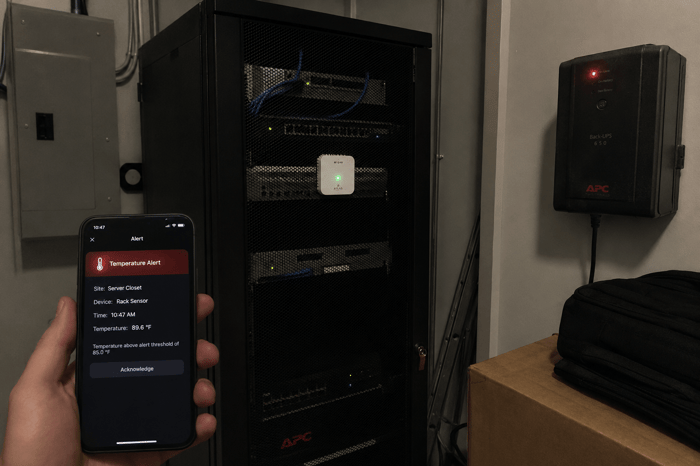
The failure sequence this article describes, from fan ramp to thermal throttle to shutdown, can start and finish while a network-dependent sensor sits dark during a power event. Necto monitors server room temperature and power status over 4G cellular, so it reports on its own connection rather than the building network it is watching. If the CRAC trips and the switches go down together, alerts still reach up to five contacts by text and email. The built-in 72-hour battery keeps it running through extended outages, and the 10-minute update interval tightens to real-time the moment readings cross the thresholds you set. For a small server room, an IDF closet, or a remote edge rack where the cost of a single undetected thermal event can exceed the price of years of monitoring, that kind of independent coverage is worth having. Learn more at getnecto.com.
Knowing the ideal server room temperature range is the easy part. The harder part is knowing when conditions leave that range, especially during power events and cooling failures. Proper sensor placement at rack inlets, monitoring that covers power status alongside temperature, and at least one alert path that does not share infrastructure with the room it watches gives IT teams coverage that actually matters.
If a single power event can take out your cooling and your monitoring at the same time, you have a gap worth closing. Contact Necto today and get a cellular temperature and power monitor that works independently of the network it is watching.
FAQs
What is the ideal temperature for a server room?
ASHRAE recommends server inlet temperatures between 64.4 and 80.6 degrees Fahrenheit (18 to 27 degrees Celsius). Most facilities target a practical range of 68 to 77 degrees. Operating consistently above 80 degrees shortens hardware life and increases the risk of thermal throttling.
How fast can a server room overheat after cooling failure?
A small server room can reach dangerous inlet temperatures in under 10 minutes if the CRAC unit fails, depending on the heat density of the equipment. High-density racks push temperatures faster than low-density setups.
Does running a server room warmer save money on cooling?
Running at the upper end of the recommended range (around 77 to 80 degrees) does reduce cooling energy costs. On the other hand, it also reduces thermal headroom, meaning any cooling failure reaches dangerous levels faster and server fans draw more power to compensate.
What humidity level should a server room maintain?
ASHRAE recommends staying between a dew point of minus 9 and 15 degrees Celsius, with a maximum of 60 percent relative humidity. Below 40 percent RH increases electrostatic discharge risk. Above 60 percent, condensation and corrosion become concerns.
Do server room sensors need to work when the network is down?
If the only time your sensor goes offline is during a network outage, and network outages often coincide with power and cooling failures, then you have a blind spot during the highest-risk moments. Cellular sensors that report over 4G keep sending alerts when the local network is down.