Table of Contents
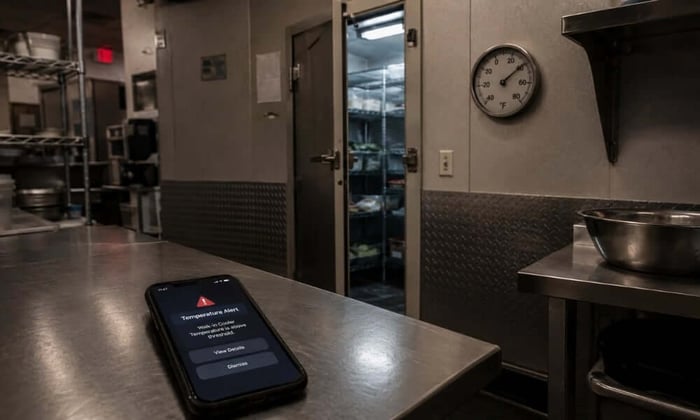
Your walk-in cooler ran fine at 6 p.m. close. At 4 a.m., the compressor cycled off and never came back. Nobody found out until the morning opener pulled the door. Walk-in cooler temperature failure is almost always an overnight event, and the cost shows up all at once. This article covers what the FDA requires, why coolers drift outside safe range even when they appear to be working, and what monitoring setup actually catches the problem in time.
Walk-in cooler temperature must stay at 41°F or below under the FDA Food Code. Most operators set the thermostat between 35°F and 38°F to build in a buffer for door openings and product load. If the cooler climbs above 41°F and food has been in the danger zone for more than two cumulative hours, disposal is required.
What the FDA Food Code Requires for Walk-In Cooler Temperature
The FDA Food Code sets 41°F as the maximum allowable temperature for cold holding of potentially hazardous foods. That number applies to the food itself, not just the air inside the cooler. An inspector who walks into your kitchen does not look at the wall thermostat. They probe the product directly, and if a pan of sliced deli meat reads 45°F, you have a violation regardless of what the display says.
The two-hour correction window is the piece most operators misunderstand. If temperature rises above 41°F and you catch it within two hours, you may salvage the product by bringing it back down immediately. Beyond two hours in the danger zone, disposal is required. That clock accumulates across the entire time food has been out of temperature control. A cooler that drifted warm at 2 a.m. and was caught at 7 a.m. is a five-hour problem with no correction window left.
Why Walk-In Cooler Temperature Drifts Even in Units That Seem Fine
A walk-in cooler can pass a morning temperature check and still spend hours in the danger zone overnight. The most common causes are not dramatic equipment failures but gradual faults that stay hidden during operating hours and show their full effect when no one is watching.
Compressor short-cycling is one of the most frequent culprits. A compressor low on refrigerant or running a dirty condenser coil trips off on thermal overload and restarts repeatedly without reaching target temperature. During a busy service, residual cold mass keeps the interior cool enough. After close, with no door activity and a compressor that keeps tripping, the temperature climbs through the night.
Evaporator coils ice over when a defrost timer fails or a drain line freezes. Ice blocks airflow, so the unit runs but does not cool. A cooler with iced coils can show 38°F at the door sensor while the back half of the unit runs at 50°F. Door gasket failure works more slowly but causes the same outcome: warm kitchen air pulls in constantly, adding load the compressor cannot fully offset. Staff rarely notice because the interior still feels cold on entry.
Where to Set Your Walk-In Cooler Thermostat
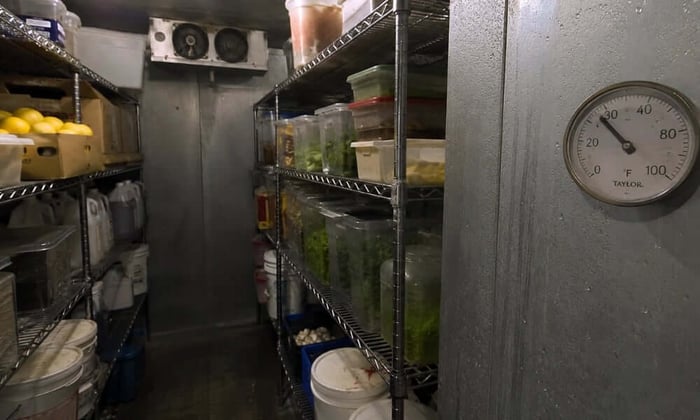
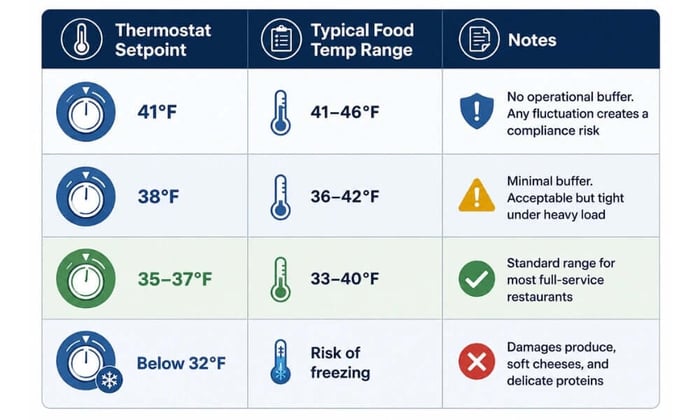
Setting a walk-in cooler to exactly 41°F leaves no margin for anything. A door held open during delivery, a full load of product received warm, a summer service with the kitchen running at capacity, any of these can push a unit set to 41°F over the compliance limit. Most operators target 35°F to 38°F. That range keeps product below 41°F under normal fluctuation and gives the unit recovery time after door traffic. The tradeoff at the low end is freeze damage to produce, soft cheeses, and fresh herbs, which become vulnerable below 32°F. For a broader look at how these limits fit into safe food handling practices, the FDA publishes guidance that covers cold storage, danger zone timing, and thawing protocols.
What Walk-In Cooler Temperature Monitoring Actually Needs to Cover
A manual temperature check at opening tells you the walk-in is cold right now. It tells you nothing about what happened between 10 p.m. and 7 a.m., which is exactly when most compressor failures, power events, and door-ajar situations develop.
Most monitoring setups are not built for the scenario that causes the most damage. A power outage takes down the compressor at midnight and kills the Wi-Fi router at the same time. The temperature sensor reporting over the building's network goes offline. No alert fires. The team arrives at 7 a.m. to a cooler that has been climbing for seven hours.
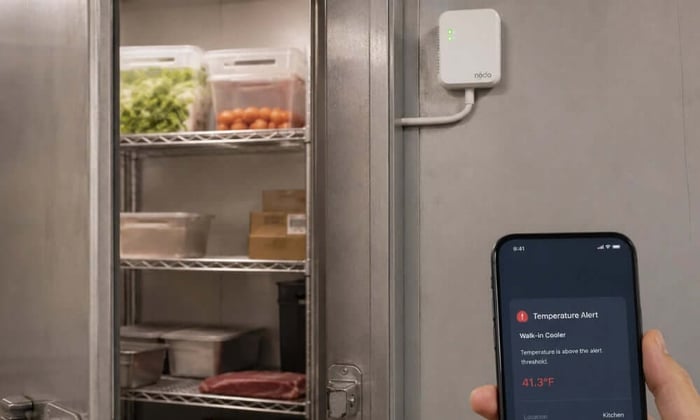
Cellular monitoring solves this directly. A monitor reporting over 4G keeps sending alerts regardless of what happened to the building's power or internet. It catches the power interruption the moment it happens, before walk-in temperature has had time to climb, and keeps alerting through the outage on battery backup. That sequence gives the on-call manager a chance to respond while the product is still saveable and creates a timestamped record for insurance and health department documentation.
For a full breakdown of how monitoring works across every unit in a restaurant, see the restaurant temperature monitoring guide at getnecto.com.
Necto keeps walk-in cooler temperature visible around the clock without depending on the restaurant's Wi-Fi. It runs on 4G LTE cellular, auto-connecting to AT&T, T-Mobile, and Cellular One. The moment power goes out, an alert reaches up to five contacts simultaneously. When power is restored, a second alert confirms it, giving operators an exact record of when the failure started and how long it lasted. The 72-hour battery keeps the monitor online through a full outage, and 12 months of readings are downloadable as a CSV for health inspections or insurance claims. Setup takes minutes.
Walk-in cooler temperature compliance starts at 41°F, but the real exposure is the hours when no one is watching. A correctly set thermostat and a manual check at opening cover the visible gaps. They do not cover the compressor that short-cycled at 3 a.m. or the power event that took the router down with it. The fix is one alert path that does not share infrastructure with the cooler it is watching.
If you want walk-in cooler temperature alerts that reach your phone the moment something changes, even if the power and Wi-Fi are both down, get Necto by clicking here.
FAQs
What temperature should a walk-in cooler be set to?
Most operators set walk-in coolers between 35°F and 38°F. The FDA Food Code requires food to be held at 41°F or below, so setting the thermostat to 38°F gives a buffer for door openings, heavy product loads, and normal temperature fluctuation without risking freeze damage to sensitive items.
How often should walk-in cooler temperature be checked?
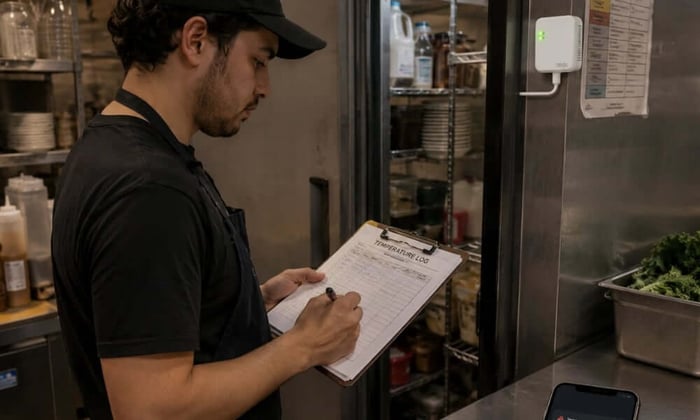
During operating hours, most health departments expect temperature checks every two to four hours. After closing, manual checks are not possible, which is why continuous monitoring with overnight alerts is the only way to catch failures that develop between close and the next morning.
What happens if a walk-in cooler temperature rises above 41°F?
If food has been above 41°F for less than two hours, it may be salvageable if the temperature is corrected immediately. Beyond two cumulative hours in the danger zone, the FDA Food Code requires disposal. Early detection through continuous monitoring gives the best chance of staying within the two-hour window.
Can a walk-in cooler temperature sensor replace manual checks?
Continuous monitoring handles overnight and after-hours coverage that manual checks cannot reach. Manual checks with calibrated probe thermometers remain necessary during service, particularly for verifying product temperature directly rather than relying on air temperature readings alone. The two approaches cover different gaps and work best together.