Table of Contents
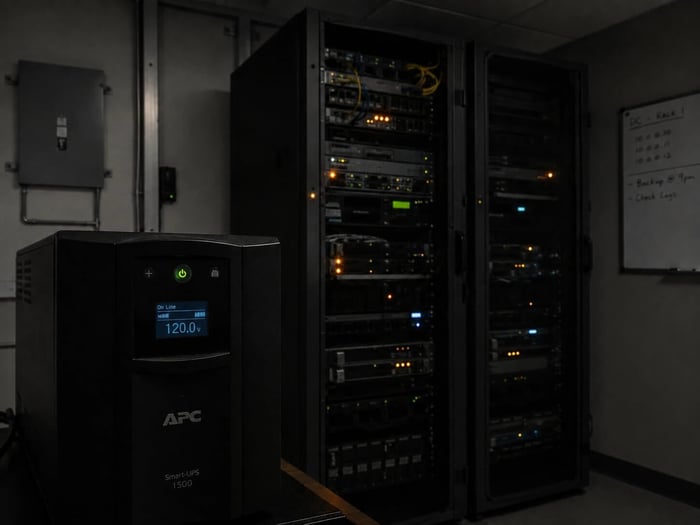
When the power goes out in your server room, the cost clock starts before anyone picks up the phone. Most post-mortems focus on the recovery: tickets filed, hardware replaced, vendor calls logged. What gets less attention is the gap between the moment conditions started deteriorating and the moment someone found out. That gap is where the real damage happens, and it is largely controllable.
A server room power outage triggers thermal risk within 10 to 15 minutes once cooling stops. Downtime costs for small server rooms and edge locations typically run $5,000 to $9,000 per hour when accounting for lost productivity and recovery labor. Early alerts delivered before temperatures hit critical thresholds narrow the damage window and leave IT teams with options rather than consequences.
Why the First 15 Minutes Define the Damage
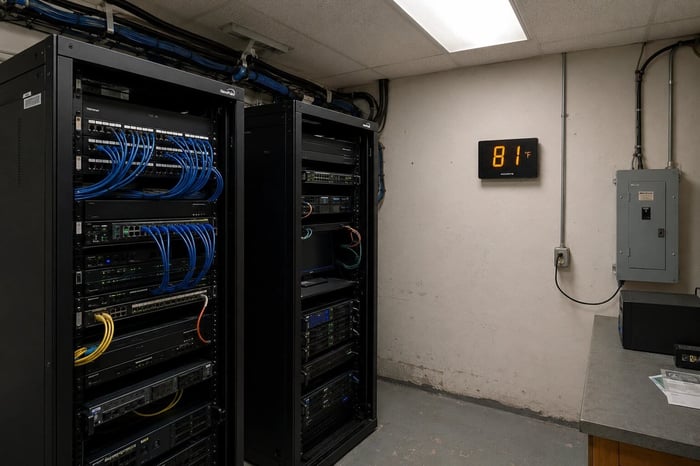
A server room without active cooling does not stay safe for long. Without airflow, heat from running equipment builds fast. In a small room with modest rack density, inlet temperatures can climb from 72 to 85 degrees Fahrenheit within 10 to 15 minutes of a CRAC unit losing power. In a denser environment, that climb happens faster. Modern servers are designed to throttle or shut down when inlet temps exceed safe thresholds, which protects hardware in the short term but takes workloads offline in the process.
The window between power loss and thermal shutdown is not measured in hours. It is measured in minutes. And in most small server rooms, those minutes pass undetected unless a sensor is watching.
The Real Cost of Server Room Downtime
The financial side of a server room outage has more moving parts than most teams account for in the moment it is happening. The obvious costs are labor: on-call IT staff called in after hours, vendor support tickets at emergency rates, and hardware replacement that cannot wait for the next business day. Less obvious is the productivity loss for every user, system, or process that went offline while the room was down.
Research from the Uptime Institute puts average data center downtime costs in the tens of thousands of dollars per hour for enterprise environments. For small server rooms, edge locations, and branch offices, the numbers are lower but still material. A conservative estimate for a 50-person office with core business systems down runs $5,000 to $9,000 per hour when you account for lost labor, IT recovery time, and data integrity risk.
What rarely appears in post-outage reports is the cost of the delay in finding out. An outage discovered 30 minutes after it started carries a different recovery price than one caught in the first 5 minutes. The alert window is not a footnote.
Temperature-Triggered Failures and the Damage Timeline
Not all outage damage comes from the power event itself. A meaningful share comes from what happens to hardware temperatures during the minutes before someone responds. Servers that run hot and then overheat do not always fail immediately. Some develop latent damage that shows up weeks later as drive failures, memory errors, or degraded motherboard performance.
ASHRAE TC 9.9 guidelines place standard A1-class server inlet temperatures between 64.4 and 80.6 degrees Fahrenheit. Once inlet temps climb above 85 to 90 degrees, thermal throttling kicks in. Sustained exposure above 95 degrees increases the probability of permanent hardware damage. The timeline from power loss to that 95-degree threshold varies by room, but in a small server room with limited airflow, it is often under 30 minutes.
That timeline means an alert has to arrive early to matter. A notification delivered 20 minutes after a cooling failure is largely informational at that point. One delivered within 2 to 3 minutes gives IT staff a genuine decision window to act before temperatures climb past safe limits.
What Early Alerts Actually Buy You
An early alert during a server room power event does not just reduce downtime. It compresses the decision window to the part of the timeline where decisions still change outcomes. When cooling fails and an alert fires within minutes, the IT team has real options. They can assess whether the UPS is holding and for how long, redirect workloads to a secondary site before primary hardware throttles, contact facilities to address the power event directly, or physically enter the room to restart cooling before temperatures climb out of range.
That same set of actions taken 20 minutes later costs more time, more money, and often involves hardware that has already taken thermal stress. The math on early alerts is fairly direct: the faster the notification, the more options remain open.
When the Monitoring System Is Part of the Failure
The scenario most IT teams do not plan for is the one where monitoring infrastructure goes offline at the same time as the equipment it is watching. Power events frequently take down building networks. If temperature and power sensors report over the same local network as the rest of the room's equipment, a utility power failure can silence monitoring at exactly the moment it needs to be alerting.
Out-of-band monitoring, using a cellular connection rather than the building network, solves this directly. A sensor running on 4G sends alerts regardless of what is happening to local switches, routers, or power distribution. For edge locations and branch offices where IT staffing is light, that independence is the difference between a 5-minute alert and a morning discovery.
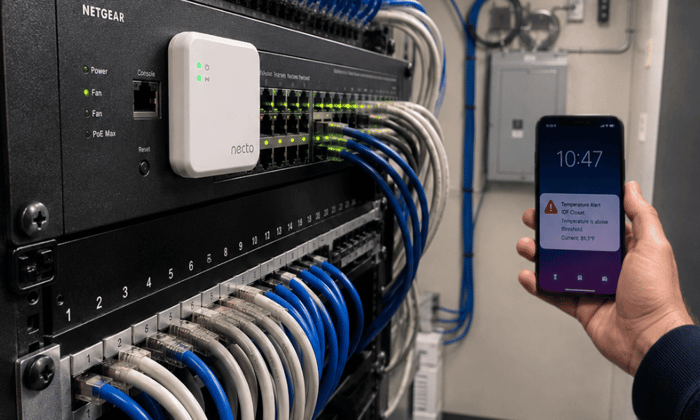
Necto is built around this specific failure scenario. Necto tracks temperature and power status over 4G cellular, completely independent of the network or infrastructure it is monitoring. The moment a power outage is detected, it sends an alert via text and app, and keeps sending on its 72-hour built-in battery even if building power stays down. For any location where a cooling or power failure would otherwise go undetected until someone arrived on site, Necto fills that gap without requiring a Wi-Fi connection or any network access at the site. More at getnecto.com.
Running the Numbers Before the Next Outage
The cost of a server room power outage is mostly predictable before it happens. You know your hourly downtime rate. You know how long your equipment can tolerate elevated temperatures. The remaining question is whether your current monitoring setup would keep alerting if the building network went dark, and whether the alert window is narrow enough to matter. Discovering an outage that has been running for three hours is a different problem than catching it in the first three minutes.
Server room thermal damage from a delayed power alert is preventable, and the difference between a 5-minute response and a 30-minute one often determines whether you are restarting a CRAC unit or replacing servers. Contact Necto today to get cellular temperature and power monitoring that keeps alerting independently of the network it is watching.
FAQs
How fast does a server room heat up after a power outage?
In a small server room with average rack density, inlet temperatures can climb from 72 to 85 degrees Fahrenheit within 10 to 15 minutes of cooling loss. Denser rooms or rooms with poor airflow management heat up faster. The specific rate depends on the room's insulation, the number of running servers, and whether any residual airflow from a UPS or building HVAC remains active.
What is the average cost of server room downtime?
For enterprise data centers, the Uptime Institute has documented average costs in the tens of thousands of dollars per hour. For small server rooms serving 40 to 60 employees, a conservative estimate runs $5,000 to $9,000 per hour once you account for lost labor productivity, IT recovery time, and emergency vendor fees. The actual cost rises if the outage causes data integrity issues or customer-facing service disruption.
Can a server room temperature sensor alert me during a network outage?
Standard network-connected sensors cannot. If the local network goes down with the power, those sensors stop reporting at the same moment you need an alert most. Cellular sensors that communicate over 4G operate independently of the building network and continue sending alerts through a power event, as long as they have battery backup.
How long can servers run safely without active cooling?
For standard A1-class equipment, ASHRAE TC 9.9 recommends sustained inlet temperatures no higher than 80.6 degrees Fahrenheit. At typical room densities, servers can reach that threshold within 10 to 20 minutes of cooling failure, depending on room size and ventilation. Running equipment at sustained inlet temperatures above 90 to 95 degrees risks thermal throttling, unexpected shutdown, and long-term hardware degradation.
Does Necto work during a power outage?
Yes. Necto includes a 72-hour rechargeable lithium battery that keeps the device running when wall power is lost. It continues monitoring temperature and reporting over 4G cellular through the entire outage. It also sends an alert on both power loss and power restoration, so you know when the situation starts and when it resolves. Learn more at getnecto.com.